For real estate agents planning property tours
Show Route turns a day of property showings into one optimized route
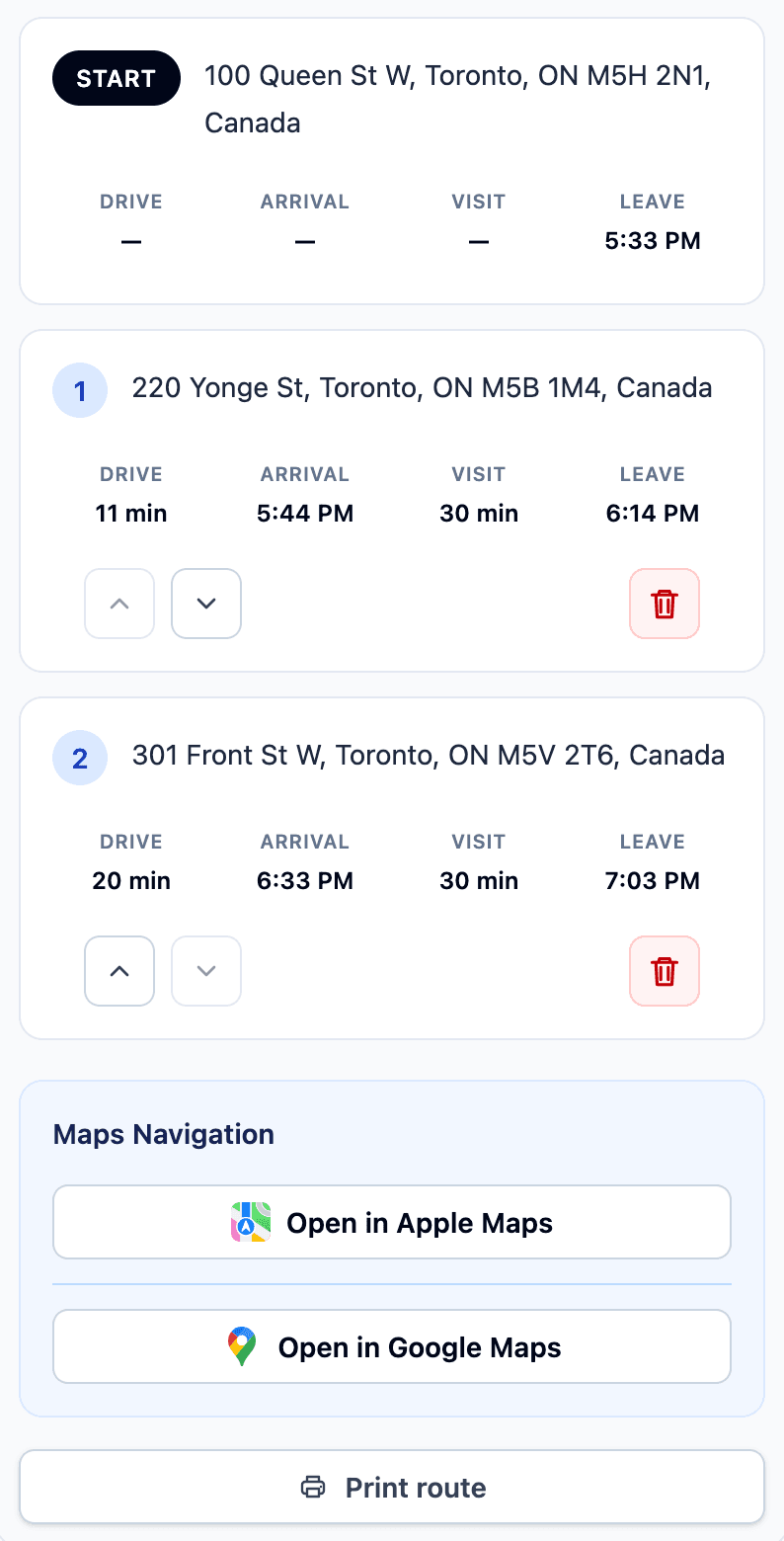
Enter a starting location and up to 20 showing addresses. Show Route orders the stops and calculates drive, arrival, visit, and departure times for the day.
Plan up to 20 showings in one optimized route.
How Show Route works
Stop reordering addresses by hand. Build the property tour in three clear steps.
- 1
Add your showing stops
Enter a starting location and up to 20 property addresses for the tour.
- 2
Set the schedule
Choose when the tour starts and how long each property visit should take.
- 3
Use the optimized plan
Review the ordered stops and timing, then open the route in Apple Maps or Google Maps.
Example Optimized Route
This example shows 2 property stops. You can enter up to 20 stops when planning a route.